
Understanding Email Management
Guides on setting up, securing, and troubleshooting email accounts across all platforms.
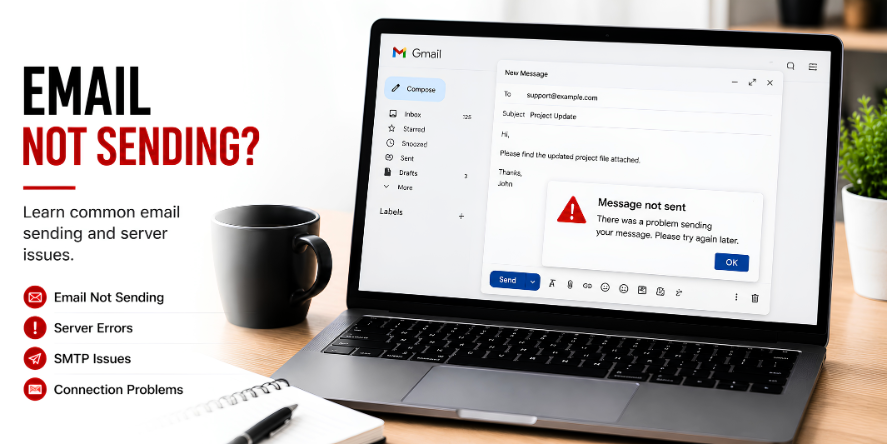
Core ideas behind email management.
Email remains the most important tool for digital communication. Learn how to manage multiple accounts effectively.
Understand the difference between IMAP and POP3 settings and which one you should use.
Explore tips for organizing your inbox and never missing an important message again.
Start with the most useful visual guides.
These highlighted guides explain common learning areas for email management with simple steps, visual references, and clear topic flow.
Email not sending
8 visual steps to troubleshoot and fix common email delivery issues.
Server errors
8 visual steps to identify and resolve critical email server and synchronization errors.
SMTP issues
8 visual steps to troubleshoot and resolve outgoing SMTP server authentication and connection problems.
Why understanding email management matters.
Protocol Choice
Understand the critical differences between IMAP and POP3 to decide how your mail is stored and synced across devices.
Security Setup
Learn how to enable Two-Factor Authentication (2FA) and recognize phishing attempts to keep your communications private.
Organization Flow
Master folders, labels, and automated rules to keep your inbox organized and surface the most important messages.
Storage Management
Learn how to manage attachment sizes and cloud storage limits to ensure your inbox never stops receiving mail.
Client Integration
Discover how to sync your accounts with professional tools like Outlook, Apple Mail, and mobile applications.
Spam Mitigation
Understand how spam filters work and how to "train" your inbox to recognize and block unwanted marketing mail.
Common questions, simple explanations.
Learn basic answers about email management and related concepts.
Ready to explore more digital topics?
Our educational library covers everyday technology topics with simple explanations and structured learning paths.