
Understanding PC Performance
Revive your slow computer with these proven speed-up tips and maintenance guides.
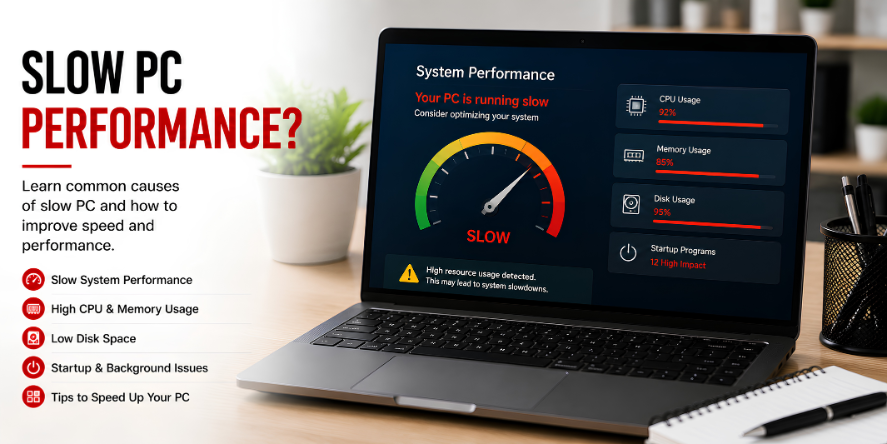
Core ideas behind pc performance.
A slow PC can be frustrating. Often, a few simple software adjustments can make it feel like new again.
Learn how to monitor system resources using Task Manager and identify memory-hungry applications.
Discover the benefits of upgrading hardware like RAM or switching to an SSD.
Start with the most useful visual guides.
These highlighted guides explain common learning areas for pc performance with simple steps, visual references, and clear topic flow.
Slow System Performance
4 essential visual steps to identify and eliminate the primary causes of system slowdowns.
High CPU & Memory Usage
4 visual steps to diagnose and resolve high resource consumption that causes system lag.
Low Disk Space
4 visual steps to reclaim valuable storage space and prevent system errors caused by full drives.
Why understanding pc performance matters.
Resource Mapping
Learn how to use Task Manager to identify which apps are consuming your CPU, RAM, and Disk resources in real-time.
Startup Control
Discover how background apps impact boot times and how to disable non-essential services for a faster launch.
Storage Health
Understand the impact of "Full" drives on system speed and learn how to use Disk Cleanup to reclaim gigabytes of space.
Thermal Logic
Learn how heat affects performance and why cleaning dust from your computer can prevent "thermal throttling" and lag.
Malware Awareness
Identify the signs of hidden background processes that could be mining crypto or spying, slowing down your system.
Hardware Upgrades
Explore the massive performance gains of switching from a traditional HDD to an SSD and adding more system RAM.
Common questions, simple explanations.
Learn basic answers about pc performance and related concepts.
Ready to explore more digital topics?
Our educational library covers everyday technology topics with simple explanations and structured learning paths.