
Understanding Router & Networking
Master your home network with guides on router configuration and Wi-Fi optimization.
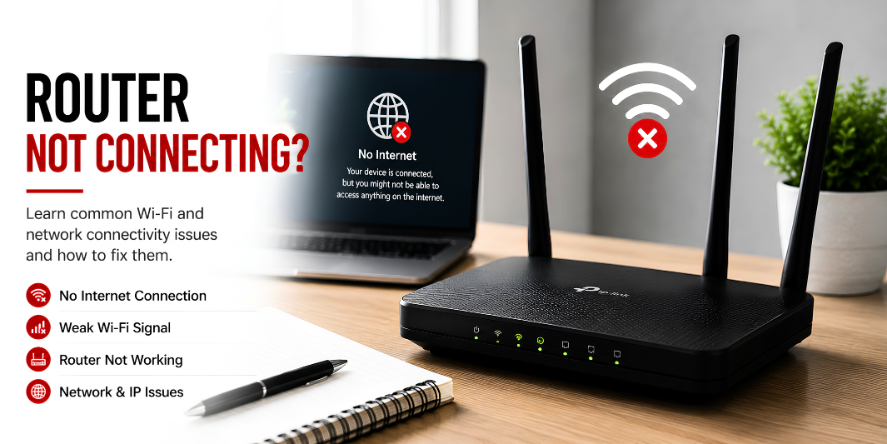
Core ideas behind router & networking.
Your router is the gateway to the internet. Proper placement and configuration are key to a great online experience.
Learn how to access your router's admin panel and change settings like SSID and passwords.
Discover how to troubleshoot frequent disconnections and slow speeds.
Start with the most useful visual guides.
These highlighted guides explain common learning areas for router & networking with simple steps, visual references, and clear topic flow.
Wi-Fi signal troubleshooting guide
8 visual steps to optimize and troubleshoot your Wi-Fi signal strength.
Fix No Internet Connection
8 simple visual steps to restore your internet connection when the router stops working.
Router not working
8 comprehensive visual steps to diagnose and repair common router operational issues.
Why understanding router & networking matters.
Signal Strength
Learn how radio frequencies like 2.4GHz and 5GHz penetrate walls and distribute bandwidth across your home.
Security Layers
Understand WPA encryption, firewalls, and guest networks to protect your personal data from external threats.
Traffic Control
Master Quality of Service (QoS) settings to prioritize gaming or video calls over background downloads.
Modern Standards
Explore the differences between Wi-Fi 5, 6, and 6E to understand how new hardware improves speed and capacity.
Hardware Placement
Discover the physics of dead zones and why central, elevated placement is critical for consistent coverage.
Device Management
Learn how to manage connected device lists and block unauthorized users from your private network.
Common questions, simple explanations.
Learn basic answers about router & networking and related concepts.
Ready to explore more digital topics?
Our educational library covers everyday technology topics with simple explanations and structured learning paths.