
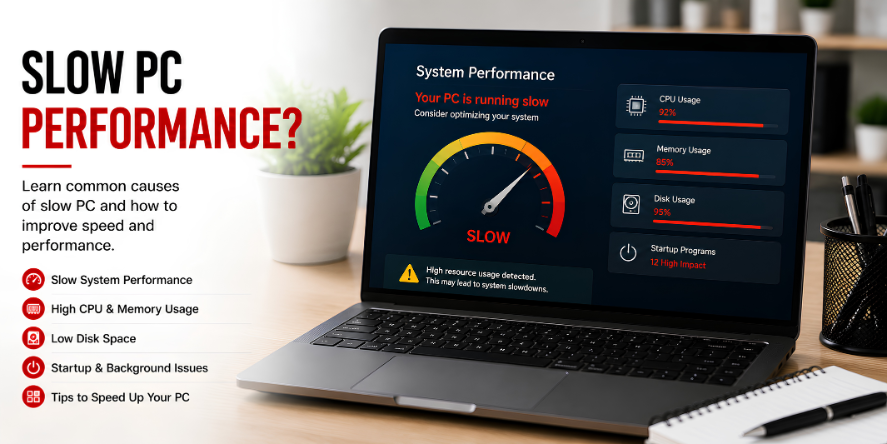
Why Computers Feel Slow
A computer may become slow when too many tasks compete for the same system resources. These resources include processor power, memory, storage space, and network activity.
Slow performance is often not caused by one single thing. It usually comes from a mix of startup apps, background processes, storage pressure, browser tabs, updates, and older hardware limits.
Common Reasons for Slow PC Behavior
- Startup apps: Programs that open automatically when the computer starts.
- Background processes: Tasks running quietly behind the main screen.
- Low storage space: Less free space can affect system activity.
- Browser load: Too many tabs and extensions can use memory.
- Pending updates: Updates can use system resources while preparing or installing.
- Older hardware: Older memory, drives, or processors may handle modern apps slowly.
Question: Why Is the Computer Slow After Startup?
After startup, many apps and services begin loading together. This can make the first few minutes feel slower because the system is opening programs, checking updates, syncing accounts, and preparing background tasks.
Question: Why Does Storage Affect Speed?
Storage is where the system keeps files, apps, temporary data, and update files. When available storage becomes limited, the computer may take longer to manage files and system tasks.
Common Performance Terms
- CPU: The processor that handles instructions.
- RAM: Short-term memory used by open apps.
- Storage: Space used for files, apps, and system data.
- Startup load: The number of tasks opening after boot.
- Background activity: Work happening without being directly visible.
Learning Point
A slow computer is usually the result of system load. Understanding where the load comes from helps users read performance behavior more clearly.
Editorial Note
Written for simple digital learning.
Bring My Guide creates readable educational articles about everyday digital topics. Each article explains the meaning, common behavior, and useful context behind the subject.