
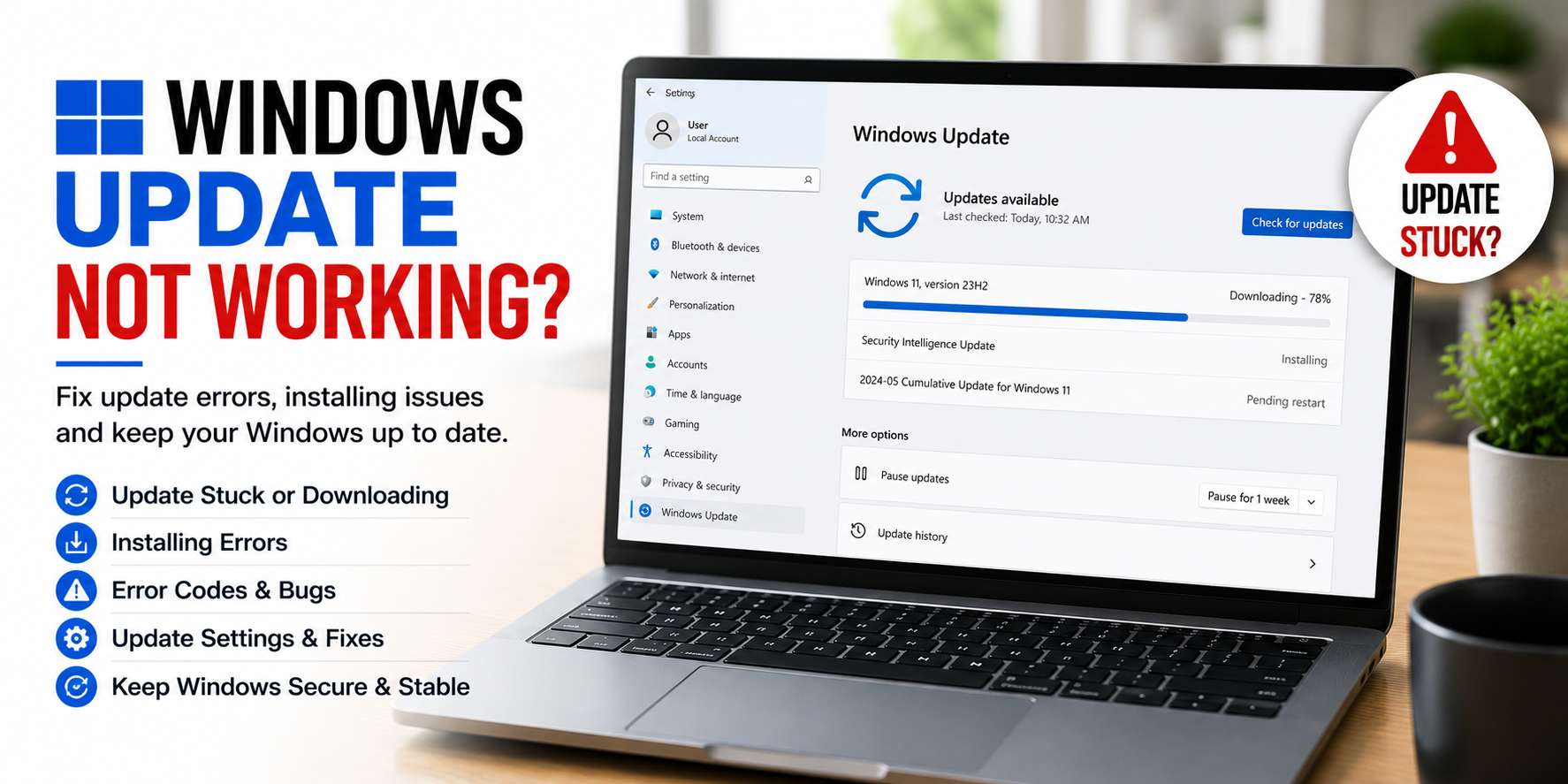
What Does Pending Mean?
Pending usually means Win has found, downloaded, prepared, or partially installed an update, but the full update process has not finished yet.
Win updates happen in stages. A pending message may appear before downloading, before installing, before restarting, or before final configuration.
Common Win Update Stages
- Checking: Win is looking for available updates.
- Downloading: Update files are being received.
- Installing: Files are being added or changed.
- Pending restart: A restart is needed to continue.
- Configuring: Win is applying changes after restart.
Question: Why Does Win Need a Restart?
Some update files affect parts of Win that are active while the computer is running. Restarting gives Win a chance to replace, configure, or finish those files before normal use continues.
Question: Why Do Updates Take Time?
Updates may include system files, security changes, device-related updates, app components, and feature improvements. The time needed depends on update size, storage speed, internet speed, and system performance.
Common Update Messages
- Pending download: Update is waiting before downloading.
- Pending install: Files are ready but installation has not started.
- Pending restart: Restart is needed to continue.
- Working on updates: Win is applying update changes.
Learning Point
Win update messages describe stages. Understanding these stages makes update behavior easier to follow.
Editorial Note
Written for simple digital learning.
Bring My Guide creates readable educational articles about everyday digital topics. Each article explains the meaning, common behavior, and useful context behind the subject.