
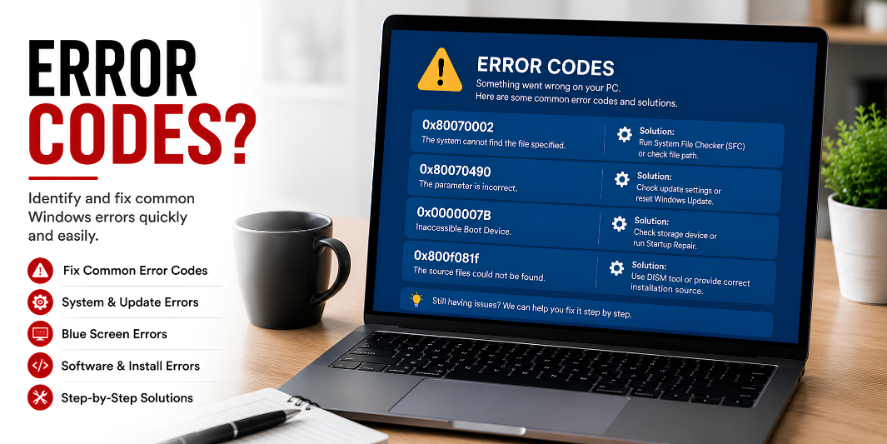
What Is an Error Code?
An error code is a short system message that helps identify a category of condition, blocked action, failed process, or unexpected behavior. It gives Win or software a structured way to describe what happened.
Error codes may look confusing because they often include numbers, letters, or technical labels. However, they are not random. They are designed to point toward a specific type of issue or system condition.
Why Error Codes Are Used
- They organize problems: Different issues can be grouped by code type.
- They reduce guesswork: A code gives a reference point.
- They describe process failure: A code may show that an update, file, app, or device action did not complete.
- They help identify categories: Codes can relate to updates, storage, files, devices, permissions, or software activity.
Question: Are Error Codes Always Dangerous?
No. Some error codes simply describe a temporary condition, missing file, blocked action, pending update, or communication problem. The code is a message, not always a sign of serious damage.
Question: Why Do Codes Look So Technical?
Error codes are written for systems first and users second. They help software identify what happened in a structured format, even if the wording looks difficult to read.
Common Error Code Areas
- Update codes: Related to Win update stages.
- File codes: Related to missing, blocked, or unreadable files.
- Device codes: Related to hardware or communication status.
- Permission codes: Related to access or account limits.
- Software codes: Related to app behavior or failed processes.
Learning Point
Error codes are structured signals. They help explain what category of system behavior is being reported, even when the message itself looks complicated.
Editorial Note
Written for simple digital learning.
Bring My Guide creates readable educational articles about everyday digital topics. Each article explains the meaning, common behavior, and useful context behind the subject.